Your own personal journal: DIY digital magazines with Percollate
in italiano
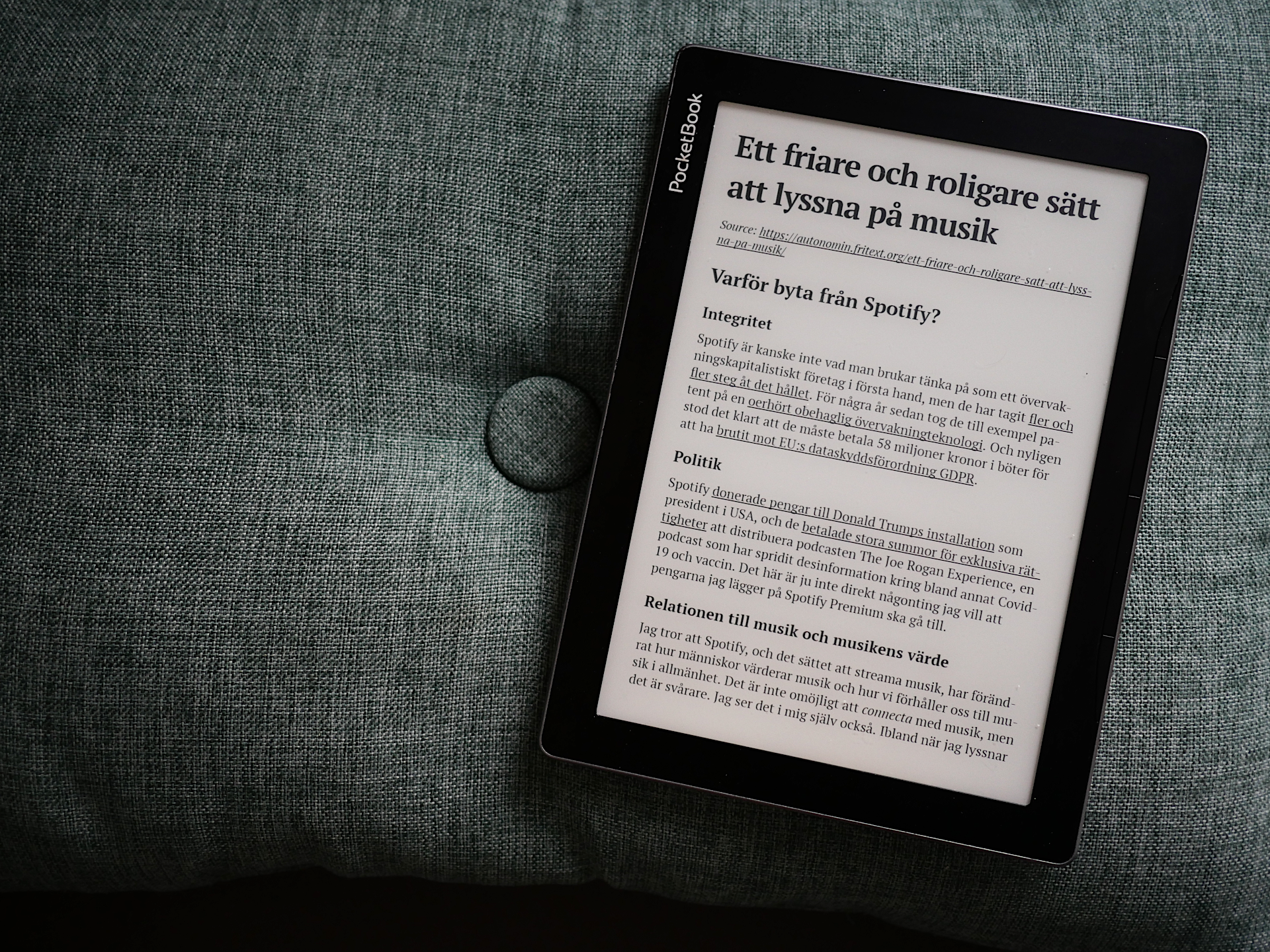
I’ve written about the beautiful simplicity of RSS, as well as about the giant pile of web content it led me to accumulate. Earlier this year, I finally quit that hoarding habit and came up with a new way to read the web that seems to work for me: DIYing a personal digital magazine. I compile each issue strictly after I’m done reading the previous one, and I’m already on number 9. Here’s how I make my magazines, and how you can easily make one for yourself.
First, you will need a way to find content for you magazine. RSS, through which I subscribe to all sorts of blogs and slow news websites, is still my top source for this, but lots of interesting stuff also comes to me via friends, family and colleagues on various messaging platforms and now also Mastodon.
That means I also need somewhere to temporarily store links from the various sources. I currently use Nextcloud bookmarks for easy synchronization between devices, but this could really be as simple as a text file.
Whenever it’s time for a new issue, I open my feed reader (Newsflash) + bookmarks and assemble everything into a single file. Over the years, I’ve tried various solutions for turning a bunch of webpages into an ebook. I eventually settled on Percollate, an open source command-line tool that allows me to build very presentable EPUBs with minimal effort. I strongly recommend this option, but if you’re not comfortable using the terminal, you can skip to Creating a magazine in your web browser.
Creating a magazine from the command line (recommended)
Installing Percollate
If your operating system is Arch or any of its derivatives, you’re in luck: as most things, Percollate is available through AUR. I installed it with
yay -S nodejs-percollate
NixOS and Alpine Linux also seem to have their own packages.
If you are running something else, you’ll have to install Node.js (14.17.0 or later) first and then run
npm install -g percollate
Basic usage
You can do lots of fancy stuff with Percollate (see README), but the way I use is always the same and it’s really simple:
percollate FORMAT -o OUTPUT-PATH -a AUTHOR -t TITLE BUNCH-OF-URLS
For example, to create my last issue I ran
percollate epub -o hmm9.epub -a "Editor: harisont" -t "hmm #9" https://mn.eumans.eu/nl/link\?c\=4b459\&d\=2rk\&h\=2piae6c01pj71f0i5rhf11ib13\&hpl\=CCG6883941KNE83E41O20SP0EDN20Q3GDG\&i\=67i\&iw\=8\&n\=2hl\&p\=H301718942\&s\=wv\&sn\=2hl https://blog.uaar.it/2025/11/23/la-divulgazione-scientifica-nellepoca-dei-social-network/ https://theconversation.com/criar-a-los-hijos-en-una-lengua-no-materna-lo-que-dice-la-ciencia-268113 https://autonomin.fritext.org/ett-friare-och-roligare-satt-att-lyssna-pa-musik/ ...
(of course, the interjection “hmm” also stands for “harisont’s multilingual magazine”).
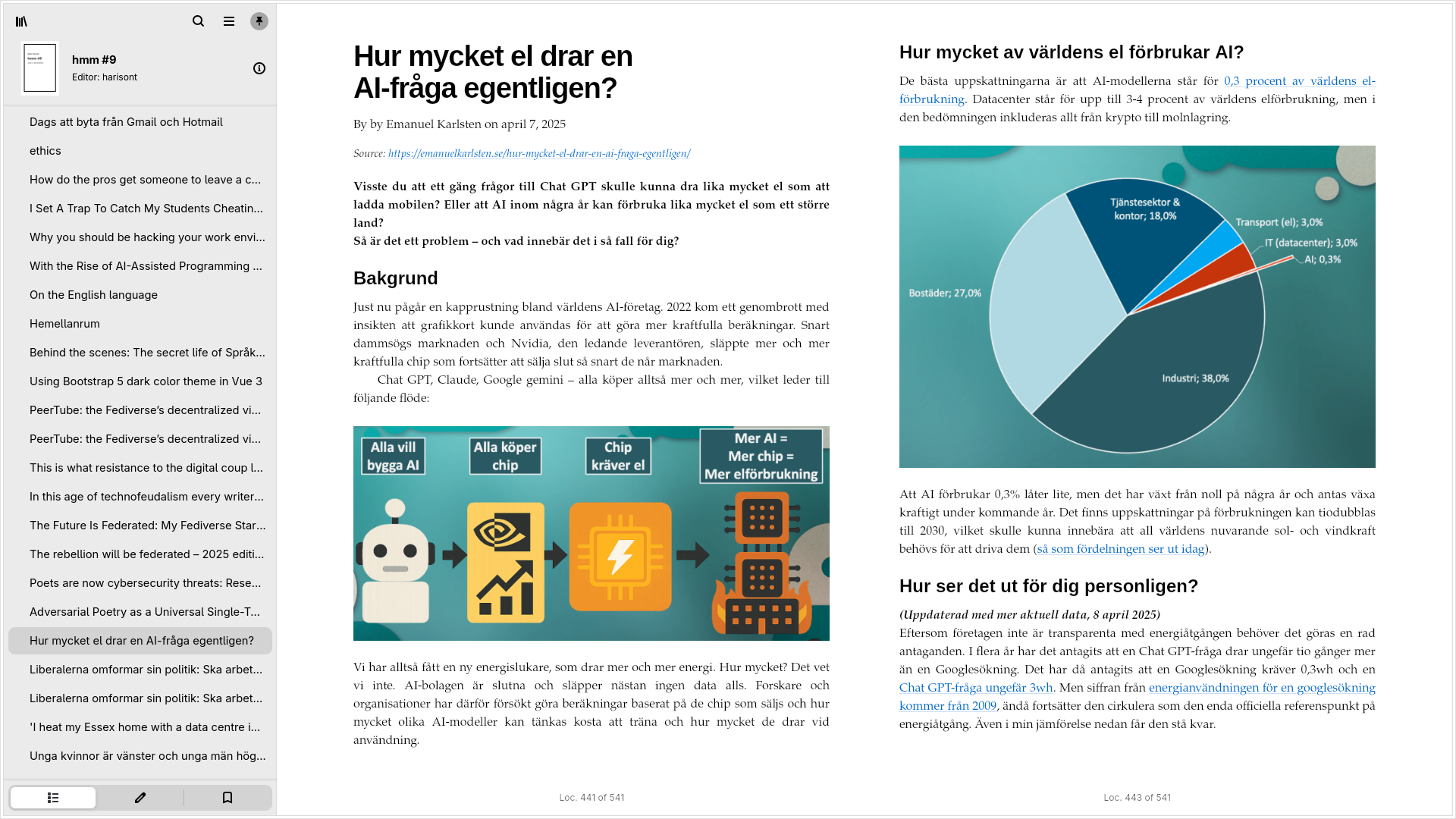
The output is a clean, nicely formatted EPUB file with a simple cover, author and title metadata, a table of contents, images and links to the original sources. Here, you can see how it looks in Foliate (excellent ebook reader for Linux, by the way):
Other formats
Of the formats Percollate is able to produce, EPUB is by far the best for reading on e-ink devices. PDF is great for printing. But what if you have the misfortune of owning a Kindle and the common sense not to replace it as long as it’s still working? Fear not, as free software comes again to the rescue! Install Calibre, forget its outdated GUI, go back to the terminal and run
ebook-convert INPUT-PATH.epub OUTPUT-PATH.mobi
The same trick works for several other more obscure ebook formats. The full list is available here.
Creating a magazine in your web browser
If using the command line sounds intimidating or if you want to create your magazine from a mobile device where you don’t have access to one, good news: Percollate is also the basis for Novel Service, a website that allows you to do more or less the same thing: copy-paste your links in the text box and wait for the service to do the magic.
Output formats
Novel Service only produces EPUB and PDF files. The former format works great on most e-readers, the latter is great for printing. If you are the unlucky owner of a Kindle device where EPUB is not supported and PDF is annoying due to screen size, I suggest creating an EPUB and using an online EPUB-to-MOBI conversion service to turn it into something your e-reader can handle. If you type “epub to mobi converter” in your search engine, you’ll find plenty. Beware of SaaSS, though.
Limitations
Unfortunately, Novel Service does not expose all of Percollate’s functionality. Most annoyingly, you won’t be able to specify the title and author of your magazine, meaning that all ebooks created that way say Untitled right on the cover:
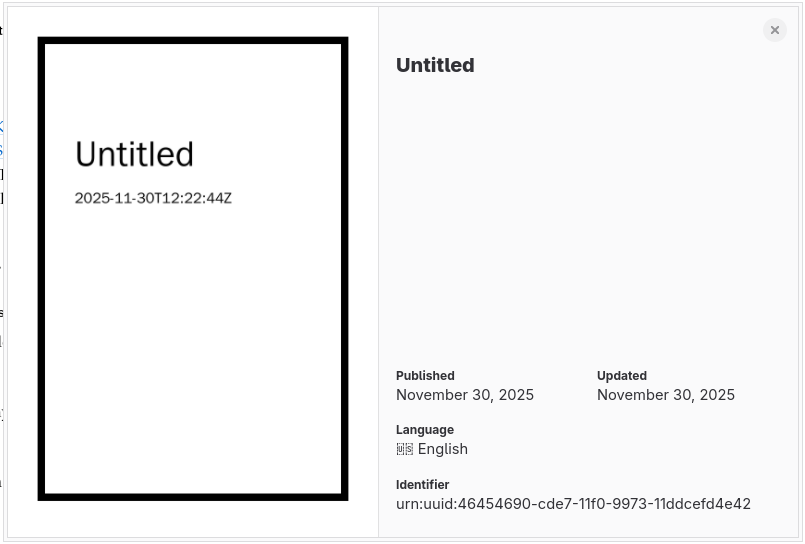
Luckily, the timestamp under the title will still allow you to distinguish an issue from the other.
Another minor drawback is speed (using this website is quite a bit slower than creating ebooks on a mid-range laptop).
I don’t think it’d be too hard to create a more complete web service based on Percollate, and maybe I should give that a go at some point, since I’m learning some modern web development stuff anyway (let me know if that’s something you would like!). But for the time being, I think Novel Service is a functional alternative to Percollate itself for non-technical folks.
Happy reading!